Tools.items.extract-pages.title
Tools.items.extract-pages.description
Tools.workspace.dropTitle
Tools.workspace.dropHint
Extract Pages from PDF Online — Free & Easy
Our free PDF page extractor lets you extract pages from PDF files in seconds. Choose a single page or a range, and save just the pages you need as a brand-new PDF. Nothing to install and no sign-up — extract PDF pages online in a couple of clicks.
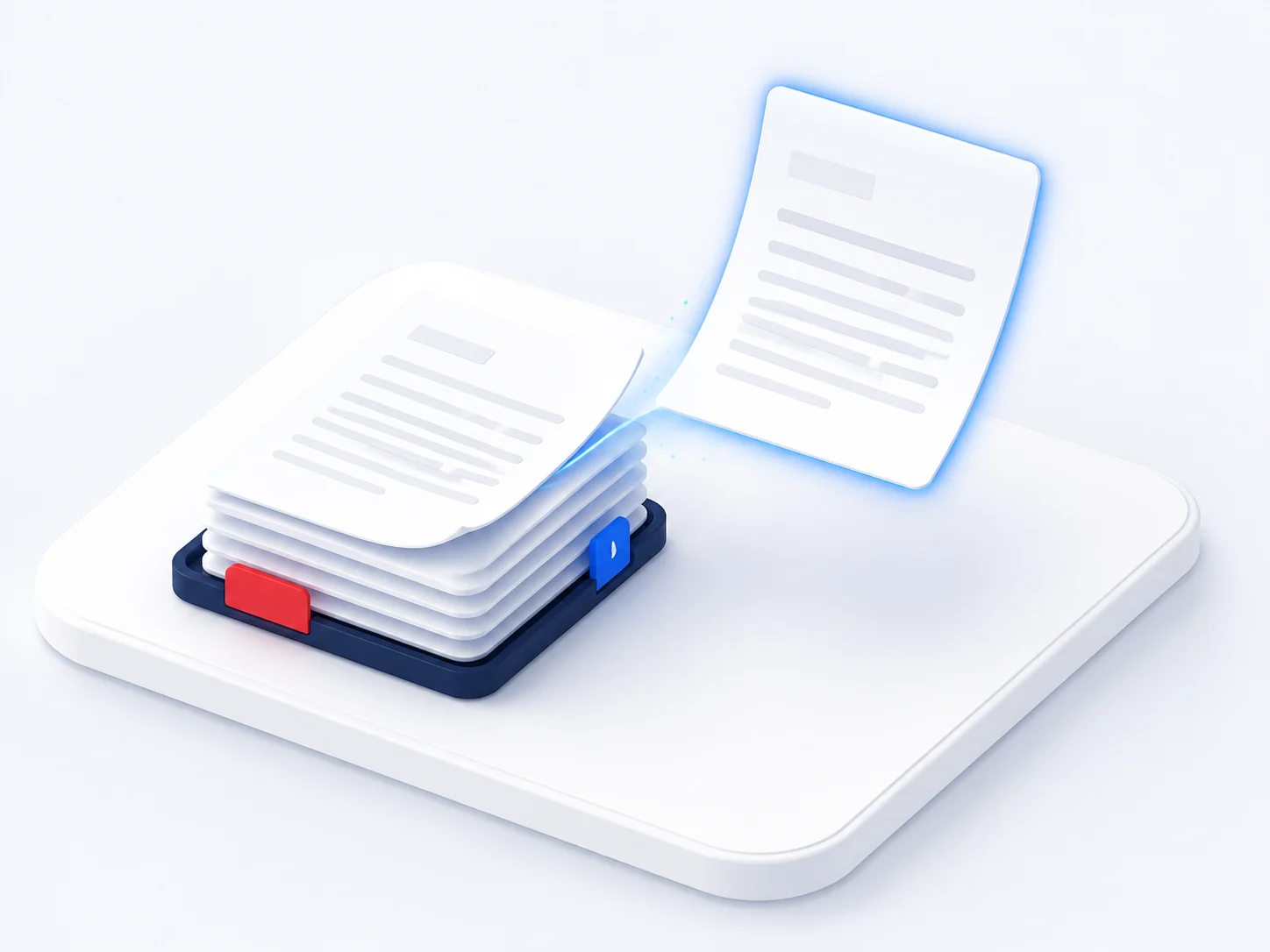
Everything you need in a PDF page extractor
A free online tool to extract pages from PDF documents, one page or many.
Extract any pages
Pick a single page or a range and extract pages from PDF into a new file.
Extract one page from a PDF
Need just page 3? Extract one page from a PDF and leave the rest behind.
Free and online
Extract PDF pages free in any browser, with no install and no watermark.
Private and secure
Files are processed securely and deleted automatically after you extract pages.
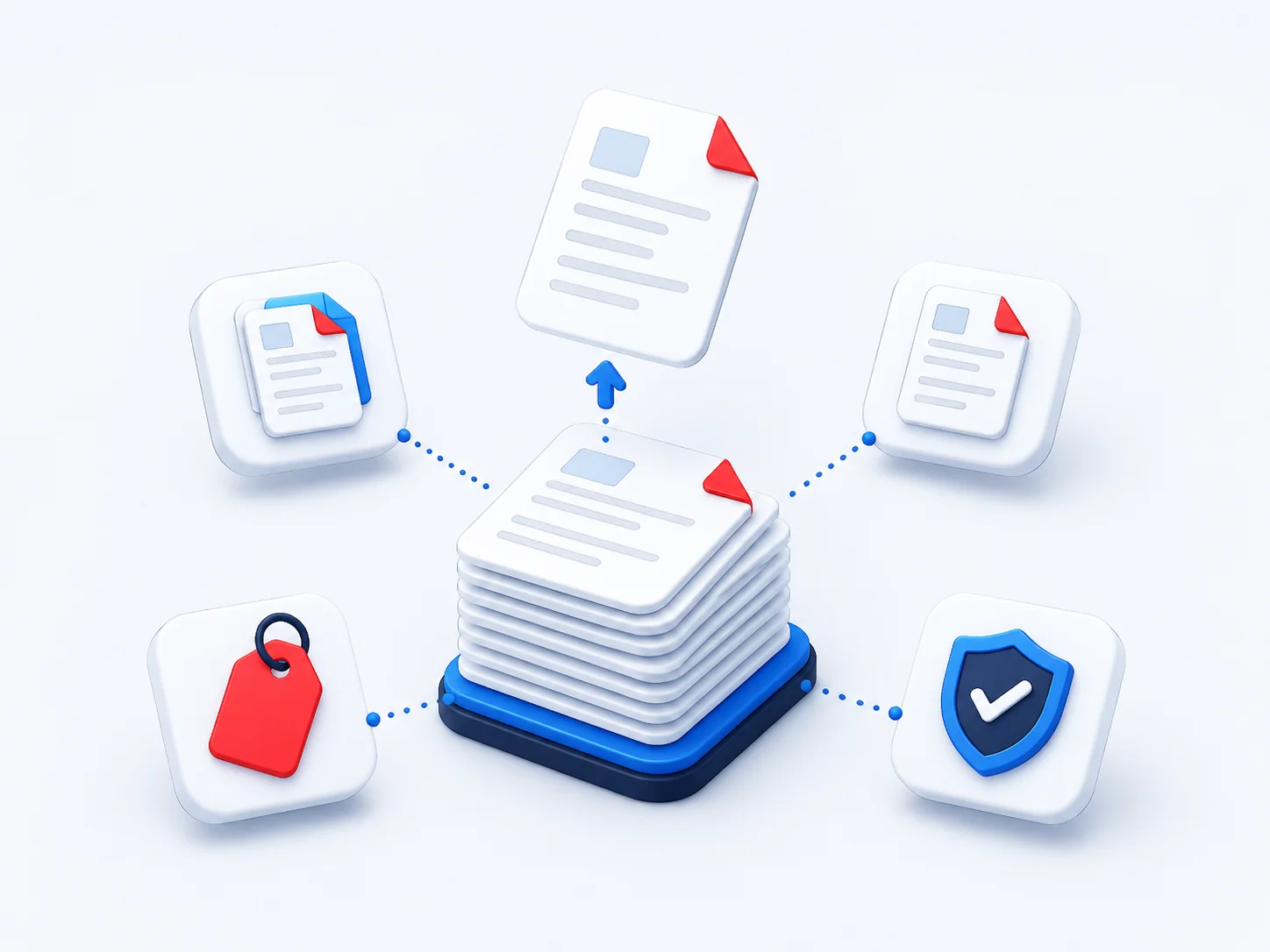
The PDF page extractor millions rely on
Students, lawyers and office teams use our online tool to extract pages from PDF files every day.
Pages extracted from PDFs
Average rating from our users
Countries using the tool
Free, with no watermark
How to Extract Pages from a PDF
Extract PDF pages online in three simple steps — no account needed.
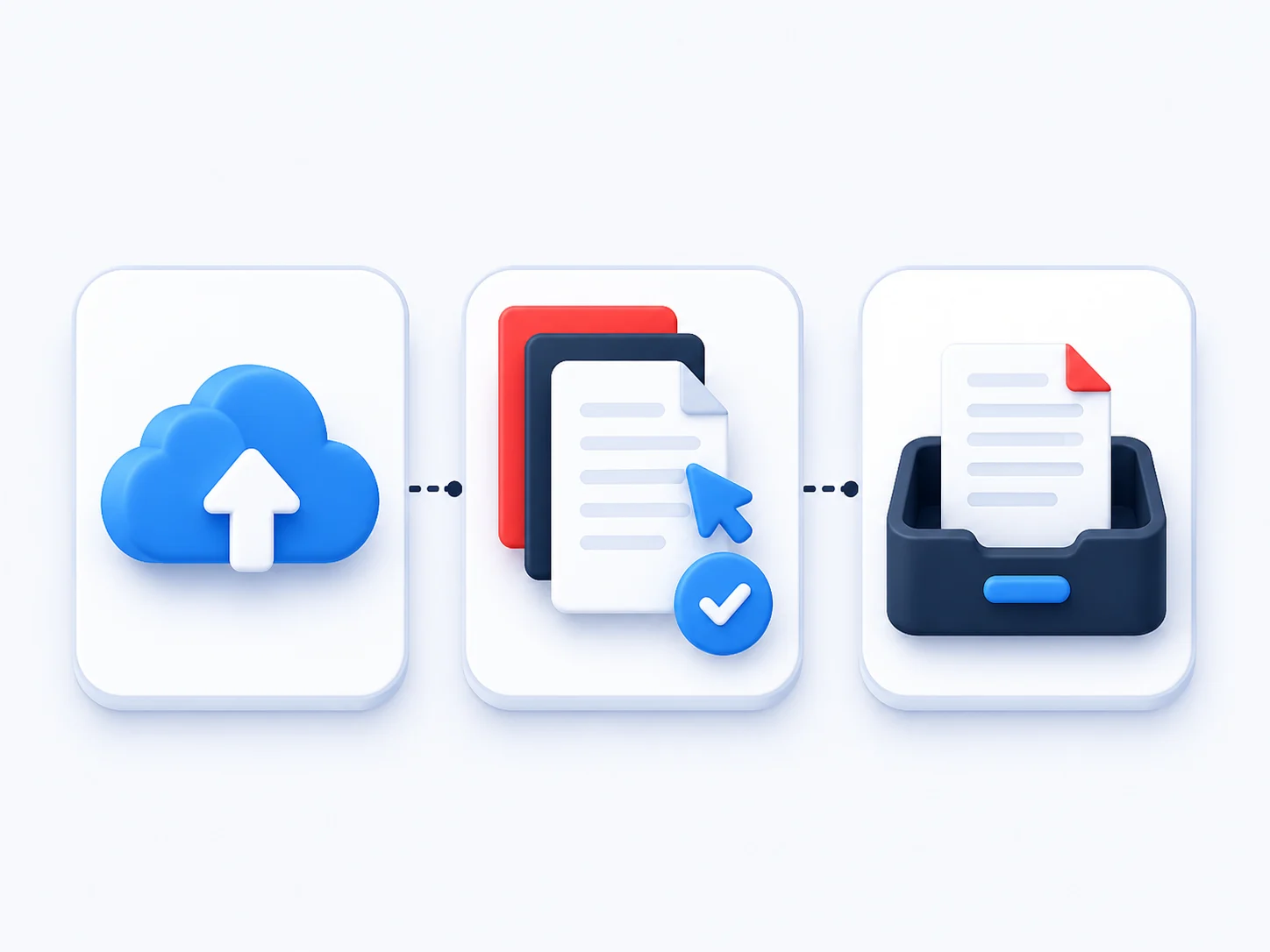
Upload your PDF
Drag and drop your file into the PDF page extractor to preview every page.
Select the pages
Choose the single page or range you want to extract from the PDF.
Download your new PDF
Save the extracted pages as a clean, new PDF, ready to share.
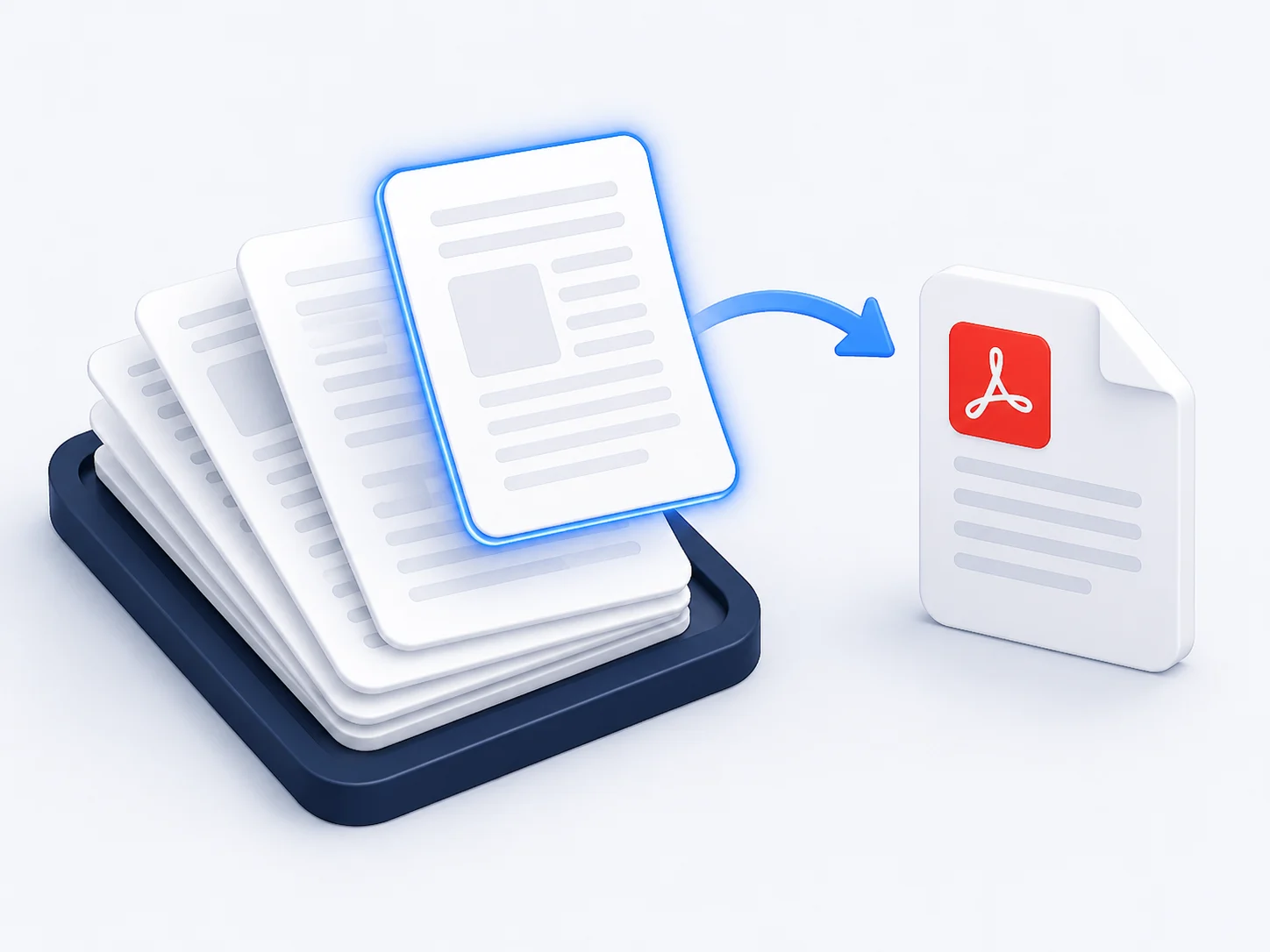
Extract a Single Page from a PDF Without the Rest
Sometimes you only need one signed page, one chapter or one invoice from a long document. Extract a page from a PDF and share exactly that — no need to send the entire file or split it by hand.
Why Choose Our Free PDF Page Extractor
See how our online PDF page extractor compares with typical desktop tools.
Our extractor | Other tools | |
|---|---|---|
| Extract pages from PDF free | Paid | |
| Works online, no install | ||
| Extract one page or a range | Limited | |
| Keeps the original quality | Limited | |
| No watermark on output | ||
| Works on any device | Desktop only |
What people say about our PDF page extractor
“I needed to extract one page from a PDF contract to send for signing. Two clicks and I had a clean single-page file.”
Megan Foster
Paralegal
“Extracting a range of pages from a long report is effortless here. Free, fast and the new PDF kept its original quality.”
Arjun Patel
Consultant
“I extract pages from PDF lecture notes to share just the chapter my students need. So much easier than splitting by hand.”
Claire Dubois
Lecturer
Extract Pages from PDF — Frequently Asked Questions
How do I extract pages from a PDF for free?
Upload your file to the extractor at the top of this page, select the pages you want, and download them as a new PDF. It is free, online and needs no software.
How do I extract one page from a PDF?
Open the PDF, choose the single page you need, and save it. The extracted page becomes its own PDF while the original stays unchanged.
Can I extract a range of pages from a PDF?
Yes. Select a continuous range, such as pages 5 to 12, and extract them all into one new PDF in a single step.
Will extracting pages change the original PDF?
No. Extracting pages creates a brand-new PDF from your selection and leaves the source file exactly as it was.
Do I need software to extract PDF pages?
No. This is an online PDF page extractor, so you can extract pages from a PDF straight from your browser with nothing to install.
Can I extract pages from a PDF on my phone?
Yes. The extractor works in Android and iOS browsers, so you can extract PDF pages on mobile just as easily as on a desktop.
Extract Pages from PDF Free — Start Now
Upload a file and extract pages from PDF online in seconds. Free, fast and secure.
Extract Pages