裁剪 PDF
裁剪每个 PDF 页面的边距。
将文件拖到这里
或把文件拖到这里
Crop PDF Online — Trim Margins in Seconds
Tired of huge white borders or scanned edges getting in the way? Crop your PDF online and keep only the part of the page that matters. Upload a file, drag the crop box to frame the content and download a tidy, trimmed PDF — no software to install and no sign-up.
A PDF Cropper That Frames Every Page Right
Everything you need to crop PDF pages cleanly — free, precise and online.
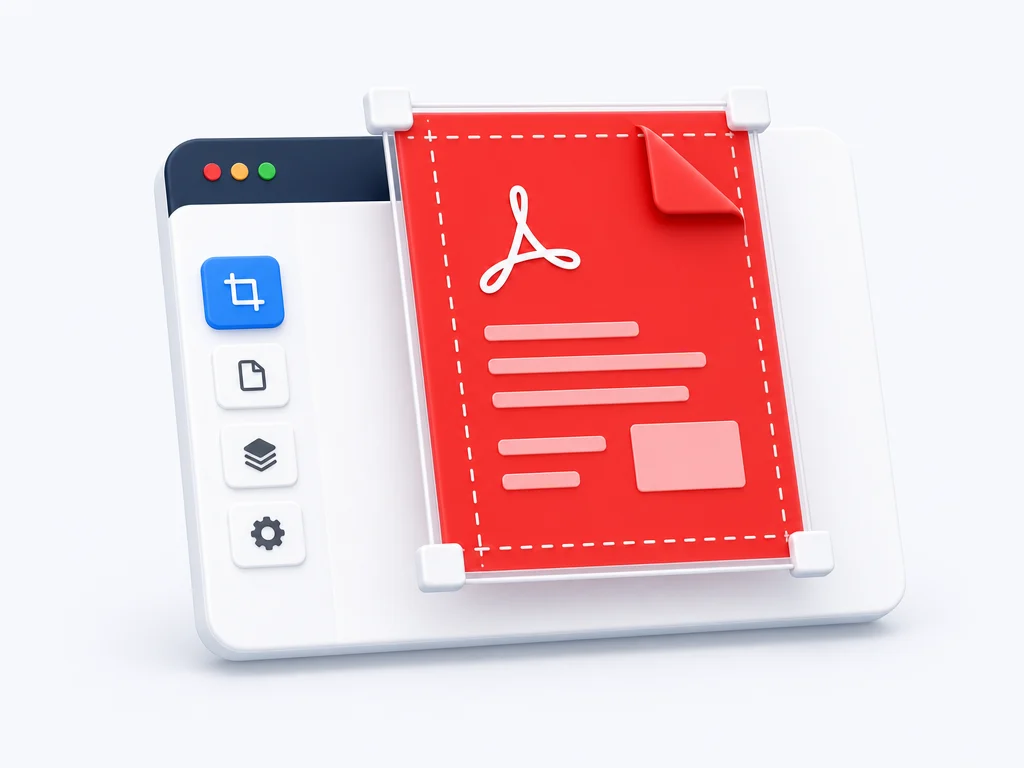
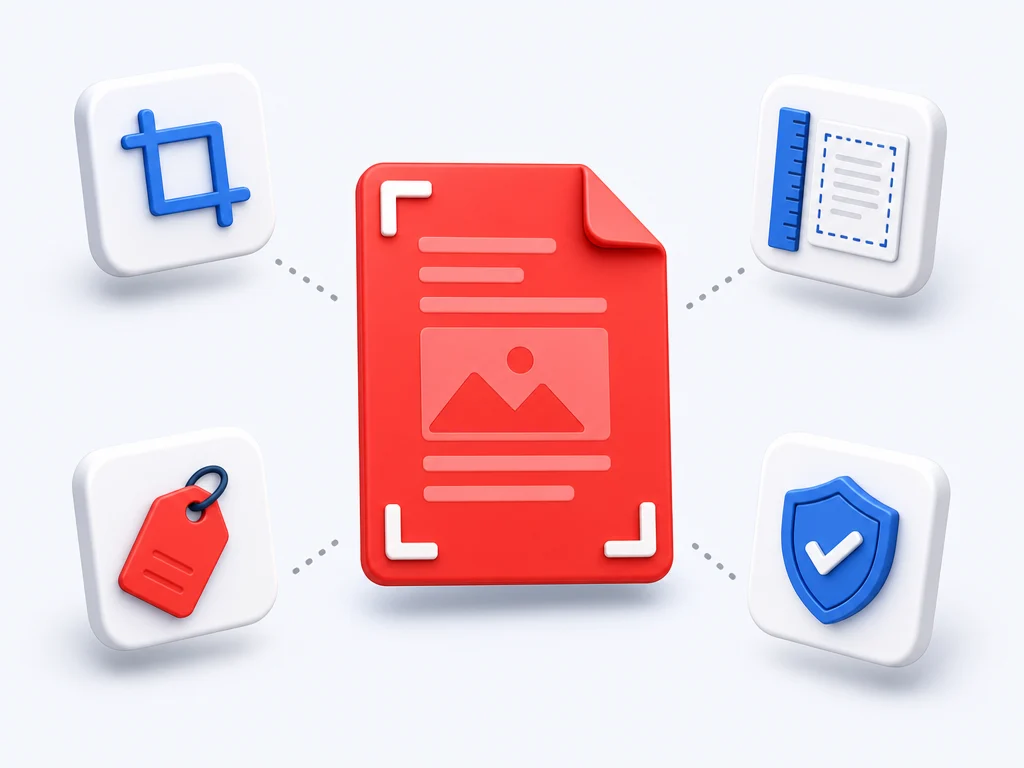
Trim margins and edges
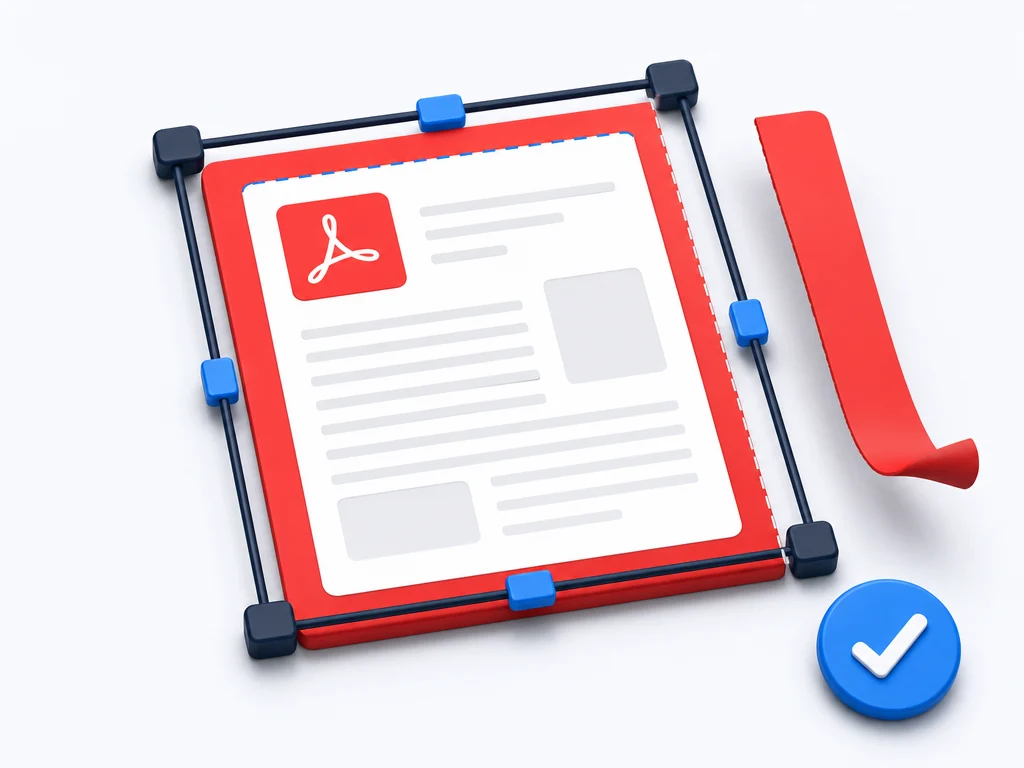
Drag the crop box to cut away white space and scanned borders so the content fills the page.
Precise crop control
Adjust the crop area by hand or apply the same crop to every page for a perfectly consistent PDF.
Free PDF cropper
Crop PDF free as often as you like — no subscription, no trial and no watermark on the result.
Crop PDF online
An online PDF cropper that runs in any browser on Windows, Mac, Linux, Android and iOS.
How to Crop a PDF
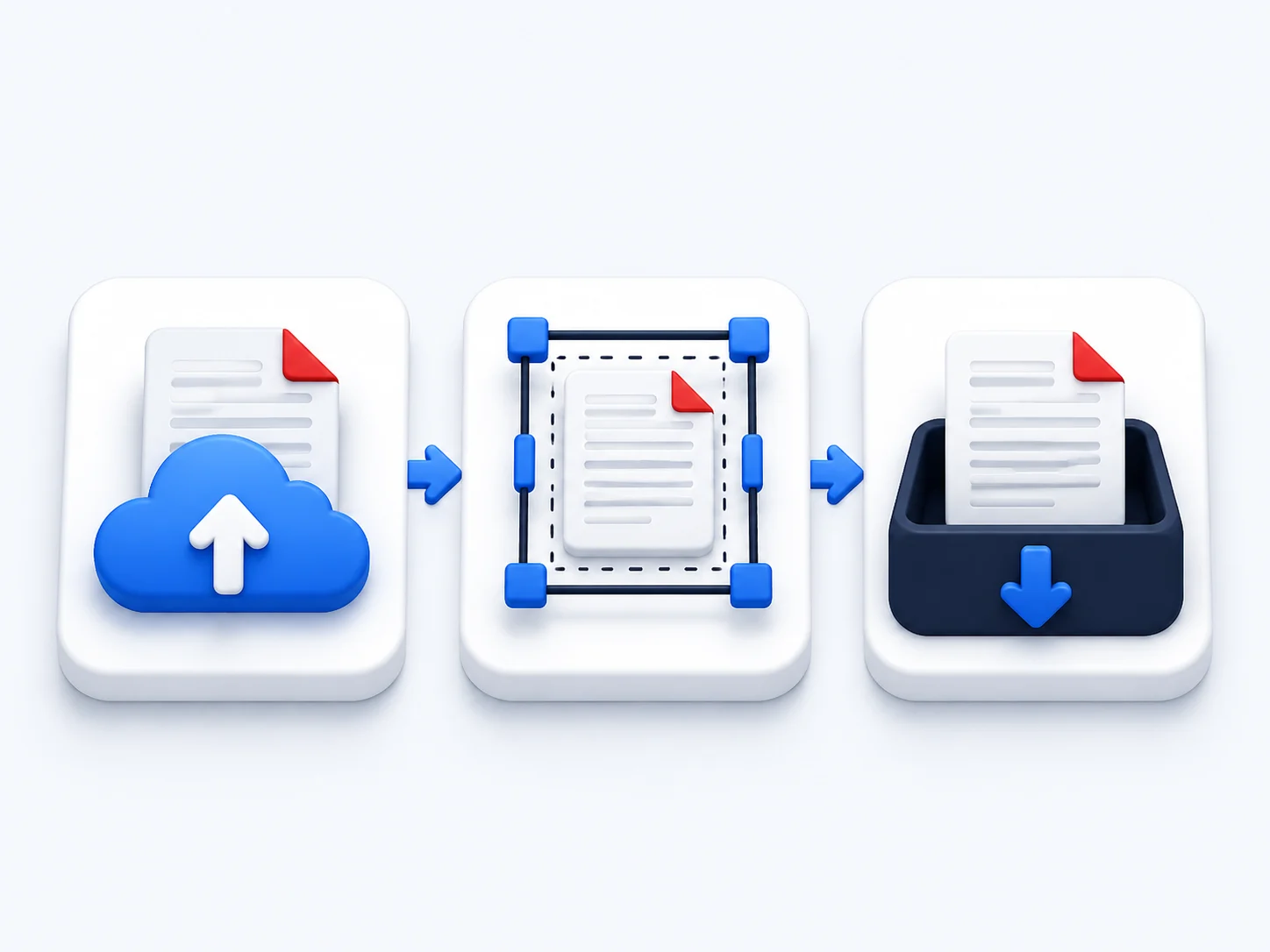
Crop PDF pages online in three simple steps — no account needed.
Upload your PDF
Drag and drop your file into the PDF cropper, or browse to select a document from your device.
Set the crop area
Drag the crop box around the content you want to keep, and apply it to one page or the whole PDF.
Download the cropped PDF
Save your trimmed file with clean edges, ready to share, print or reuse in seconds.
Trim PDF Margins for a Cleaner Document
Scans and exports often carry oversized margins, stray edges or uneven borders. Crop a PDF to trim them away and the page looks deliberate instead of accidental. Reframe a single page or crop them all at once — the text and images you keep stay perfectly sharp, because cropping only changes what is shown, not the quality of what is inside.
Why Choose Our Free PDF Cropper
See how our online PDF cropper compares with typical desktop editors.
Our cropper | Other tools | |
|---|---|---|
| Crop PDF free | Paid | |
| Works online, no install | ||
| Crop one page or all pages | Limited | |
| Keeps content quality intact | ||
| No watermark on output | ||
| Works on any device | Desktop only |
When You Need to Crop a PDF
However you work, a well-framed page reads and prints better.
Clean up scans
Crop a PDF to remove the dark edges and oversized borders that scanners leave behind.
Slides and handouts
Trim PDF pages so figures and charts sit front and center without distracting white space.
Print-ready files
Adjust margins so your document prints exactly the way you want, edge to edge.
Reading on screens
Crop wide PDFs to fit phones and tablets so text fills the screen instead of shrinking.
What People Say About Our PDF Cropper
“My scanned notes had huge black margins. I cropped the whole PDF at once and it finally looks clean.”
Grace Thompson
Graduate Student
“The best free PDF cropper I have found. I trimmed every page to the same frame in under a minute, no watermark.”
Andre Dubois
Architect
“I crop PDF pages before sending plans to print. The edges come out perfect and nothing loses quality.”
Mei Tanaka
Print Coordinator
Crop PDF — Frequently Asked Questions
Crop PDF Free — Start Now
Upload a file and crop your PDF online in seconds. Free, precise and ready to share.