Excel 转 PDF
将 Excel 表格(.xls/.xlsx)转换为 PDF。
将文件拖到这里
或把文件拖到这里
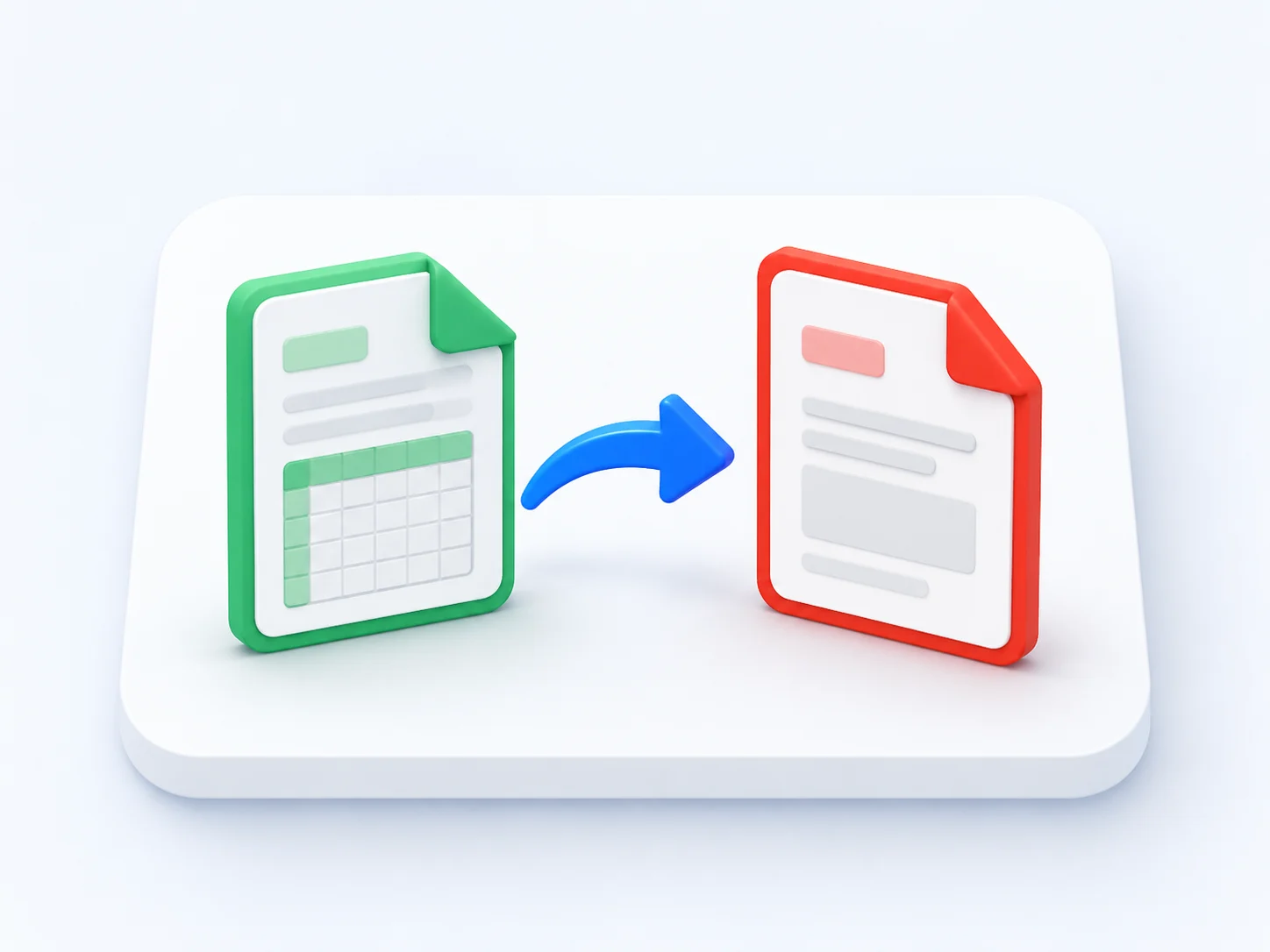
Convert Excel to PDF Online — Free, Fast & Accurate
Our free Excel to PDF converter turns any XLS or XLSX spreadsheet into a clean, print-ready PDF in seconds. No software to install and no email required — just upload your file and convert Excel to PDF online with every cell, column and chart kept in place.
The Excel to PDF converter teams rely on
Accountants, analysts and office teams use our online Excel to PDF converter every day to share spreadsheets that print perfectly.
Excel to PDF conversions completed
Average rating from our users
Countries using the converter
Free, with no watermark
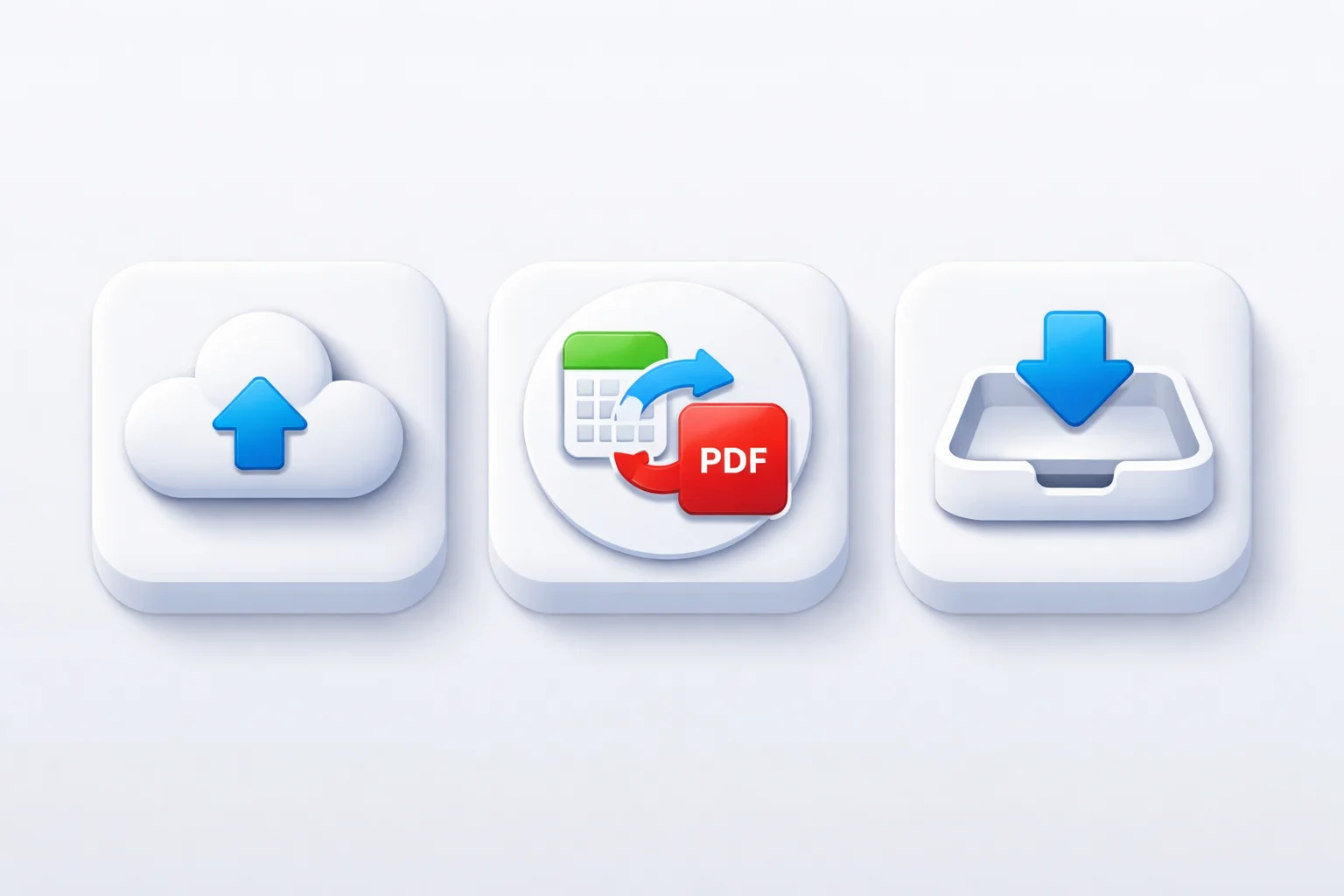
How to Convert Excel to PDF
Convert Excel to PDF online in three simple steps — no account needed.
Upload your spreadsheet
Drag and drop your XLS or XLSX file into the Excel to PDF converter, or browse to select one.
Convert Excel to PDF
Click convert and the tool turns your spreadsheet into a PDF while keeping rows, columns and formatting tidy.
Download your PDF
Save the finished PDF, ready to print, email or attach to a report.
Everything you need from an Excel to PDF converter
A free online Excel to PDF converter built for clean tables and reliable printing.
Free Excel to PDF converter
Convert Excel to PDF free, with no subscription, trial or hidden fees.
Online, nothing to install
An online Excel to PDF converter that runs in any browser, on any device.
Tables stay aligned
Columns, rows, borders and number formats stay neat when you convert Excel to PDF.
Charts come through
Graphs and charts in your spreadsheet are rendered crisply in the final PDF.
Why Choose Our Free Excel to PDF Converter
See how our online Excel to PDF converter compares with desktop spreadsheet software.
Our converter | Other tools | |
|---|---|---|
| Convert Excel to PDF free | Paid | |
| Works online, no install | ||
| No email or sign-up | ||
| Keeps tables and columns aligned | Limited | |
| No watermark on output | ||
| Works on any device | Desktop only |
Convert Excel into PDF to Share Reports Anyone Can Open
Not everyone has Excel, and big spreadsheets rarely look the same on another computer. Convert Excel to PDF so your budget, invoice or data report opens cleanly on any device — no broken columns, no missing fonts.
What people say about our Excel to PDF converter
“The best Excel to PDF converter for monthly reports. My tables stayed perfectly aligned and the PDF printed without a single broken column.”
Daniel Foster
Financial Analyst
“I convert Excel to PDF online before sending invoices to clients. It is quick, free and the numbers always look exactly right.”
Sofia Alvarez
Office Manager
Excel to PDF Converter — Frequently Asked Questions
How do I convert Excel to PDF online for free?
Upload your XLS or XLSX file to the converter at the top of this page, click convert, and download the PDF. The whole Excel to PDF conversion is free and runs online — no account or software required.
Is this Excel to PDF converter free to use?
Yes. You can convert Excel to PDF free, with no sign-up, no watermark and no limit on the number of spreadsheets you convert.
Will my tables and columns stay aligned when I convert Excel to PDF?
They will. The Excel to PDF converter keeps columns, rows, borders and number formats in place so the PDF matches your spreadsheet.
Can I convert an MS Excel file with multiple sheets?
Yes. An MS Excel workbook with several sheets is converted into one tidy PDF, with each sheet laid out on its own pages.
Do I need to install an Excel to PDF converter?
No. This is an online Excel to PDF converter that runs in your browser, so there is nothing to download or install.
Can I convert Excel to PDF on my phone?
Yes. The online converter works in Android and iOS browsers, so you can convert Excel to PDF on mobile just as easily as on a desktop.
Convert Excel to PDF Free — Start Now
Upload a spreadsheet and convert Excel to PDF online in seconds. Free, accurate and print-ready.