移除页面
从 PDF 中删除一个或多个页面。
将文件拖到这里
或把文件拖到这里
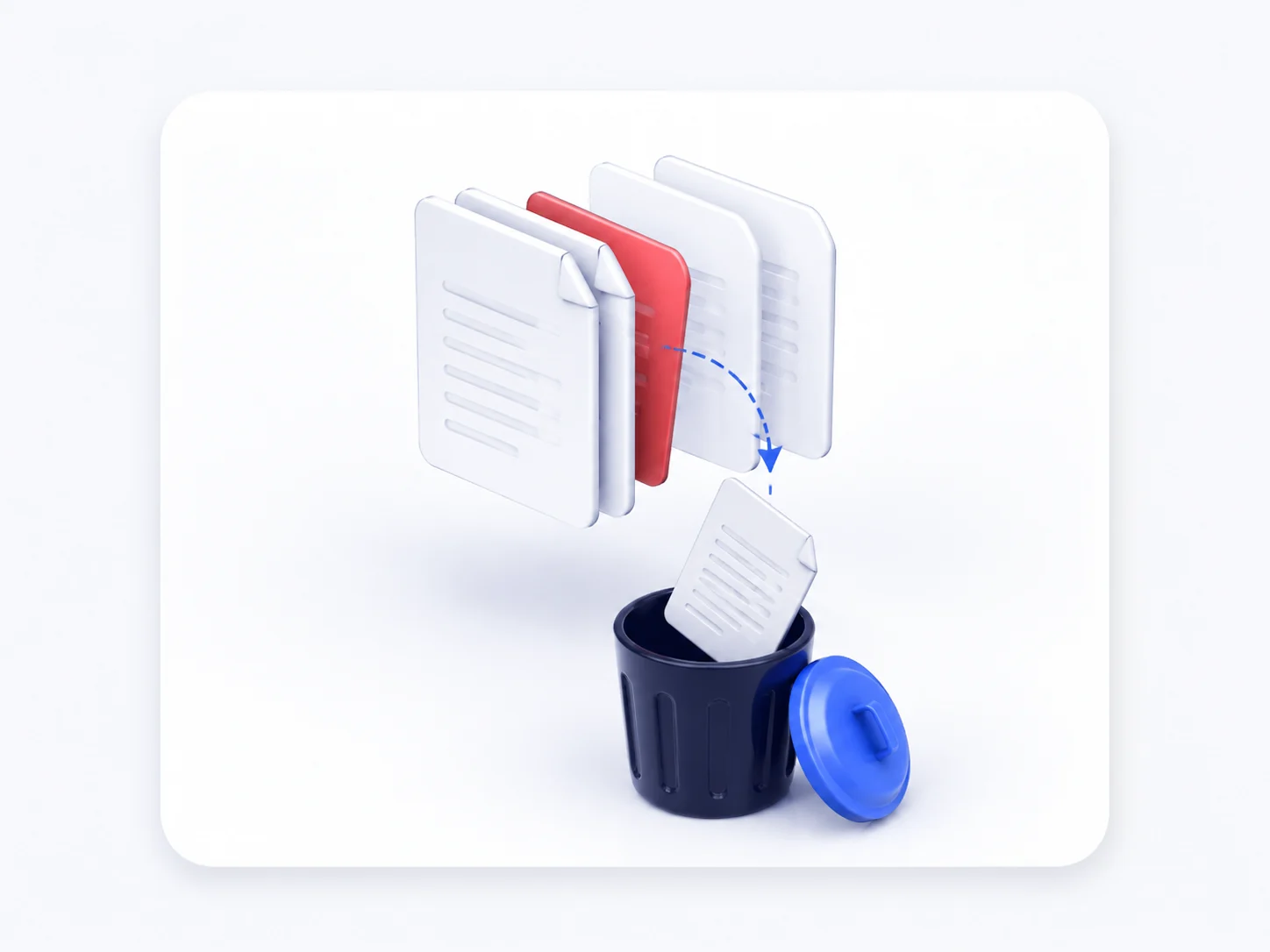
Remove Pages from PDF Online — Delete Pages Free
Our free PDF page remover lets you remove pages from PDF files in seconds. Pick the pages you don't need, delete them, and download a clean PDF. No software to install and no sign-up — delete PDF pages online in just a few clicks.
The PDF page remover millions rely on
Students, assistants and teams use our online tool to delete pages from PDF files every day.
90M+
Pages removed from PDFs
4.8/5
Average rating from our users
190+
Countries using the tool
100%
Free, with no watermark
How to Delete Pages from a PDF
Remove PDF pages online in three simple steps — no account needed.
Upload your PDF
Drag and drop your file into the PDF page remover to see every page.
Select pages to delete
Click the pages you want to remove from the PDF — one or several at once.
Download your PDF
Save the trimmed PDF with the unwanted pages removed.
Everything you need to remove pages from a PDF
A free online PDF page remover for deleting single pages or many at once.
Delete any pages
Remove pages from PDF files — a single page, a range or scattered pages.
Remove a single page
Need to drop just one page? Remove a page from a PDF and keep the rest.
Free and online
Delete PDF pages free in any browser, with no install and no watermark.
Private and secure
Files are processed securely and deleted automatically after you remove pages.
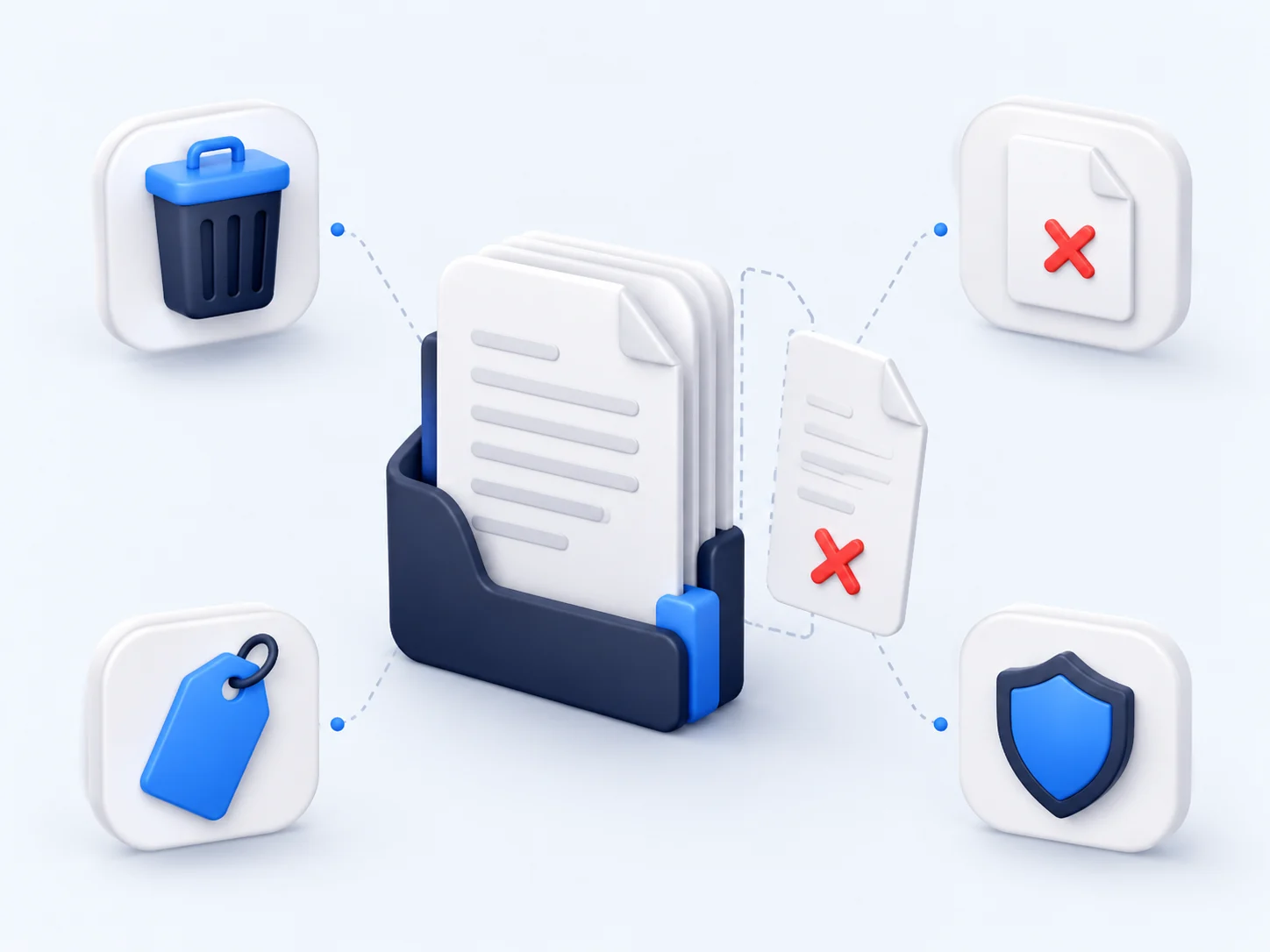
Delete Pages from a PDF to Share Only What Matters
Cover sheets, blank pages and duplicate scans make a document harder to read. Delete pages from a PDF so readers get only the pages they need — no scrolling past clutter, no oversized files.
Why Choose Our Free PDF Page Remover
See how our online PDF page remover compares with desktop PDF software.
Our tool | Other tools | |
|---|---|---|
| Remove pages from PDF free | Paid | |
| Delete one page or many | Limited | |
| Works online, no install | ||
| Keeps remaining pages unchanged | Limited | |
| No watermark on output | ||
| Works on any device | Desktop only |
What people say about our PDF page remover
“I delete pages from PDF scans all the time to drop the blank backs. One click per page and the rest of the file is untouched.”
Victor Nguyen
Office Administrator
“Needed to remove a confidential page from a PDF before sharing a report. Fast, free and the formatting stayed perfect.”
Bethany Clarke
Compliance Officer