OCR PDF
Add a searchable text layer to scanned PDFs.
Drop your files here
or drop files here
OCR PDF Online — Turn Scans Into Searchable Text
A scanned PDF is just a picture of a page — you cannot search it, select it or copy from it. Our OCR PDF tool reads the text inside the image and adds a real, searchable text layer. Upload a scan, run OCR and download a PDF you can search, highlight and copy, with nothing to install.
A PDF OCR Tool That Reads Every Page
Everything you need to OCR a PDF and unlock the text trapped inside your scans.
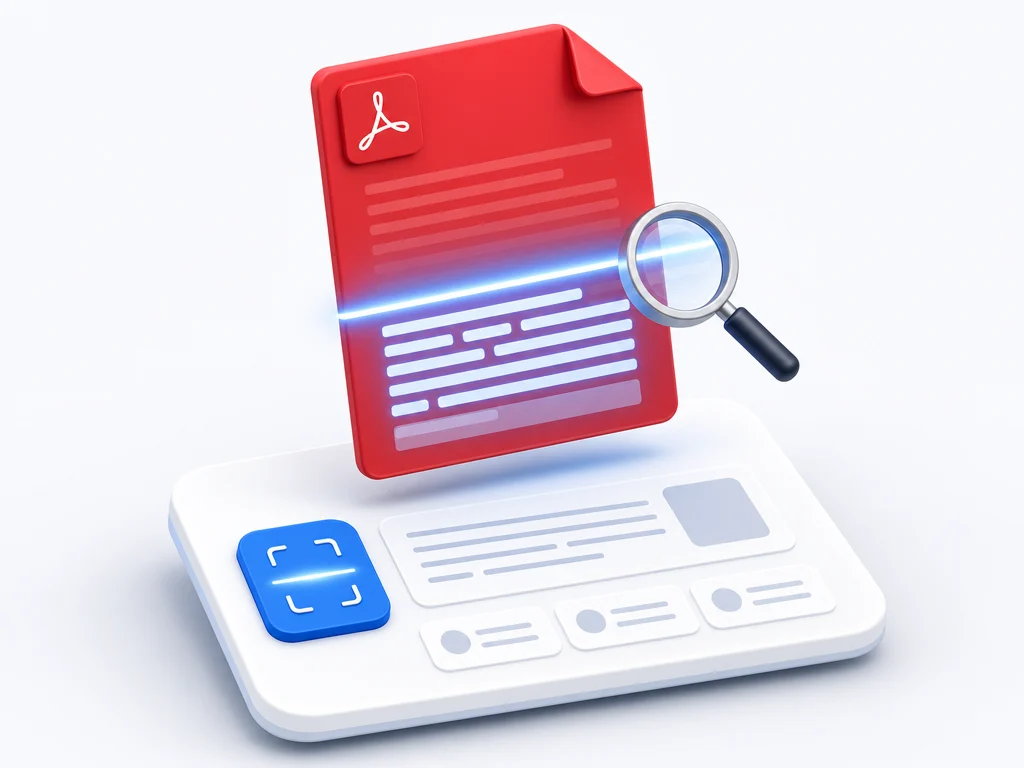
Recognize scanned text
Our OCR engine reads printed pages, photos and image PDFs and converts them into accurate, real text.
Make PDFs searchable
OCR adds a hidden text layer so you can search a scanned PDF and jump straight to any word.
Select and copy text
Once you OCR a PDF you can highlight, copy and reuse the text instead of retyping it by hand.
Many languages
The PDF OCR converter recognizes a wide range of languages, including documents that mix more than one.

What OCR Does to a PDF
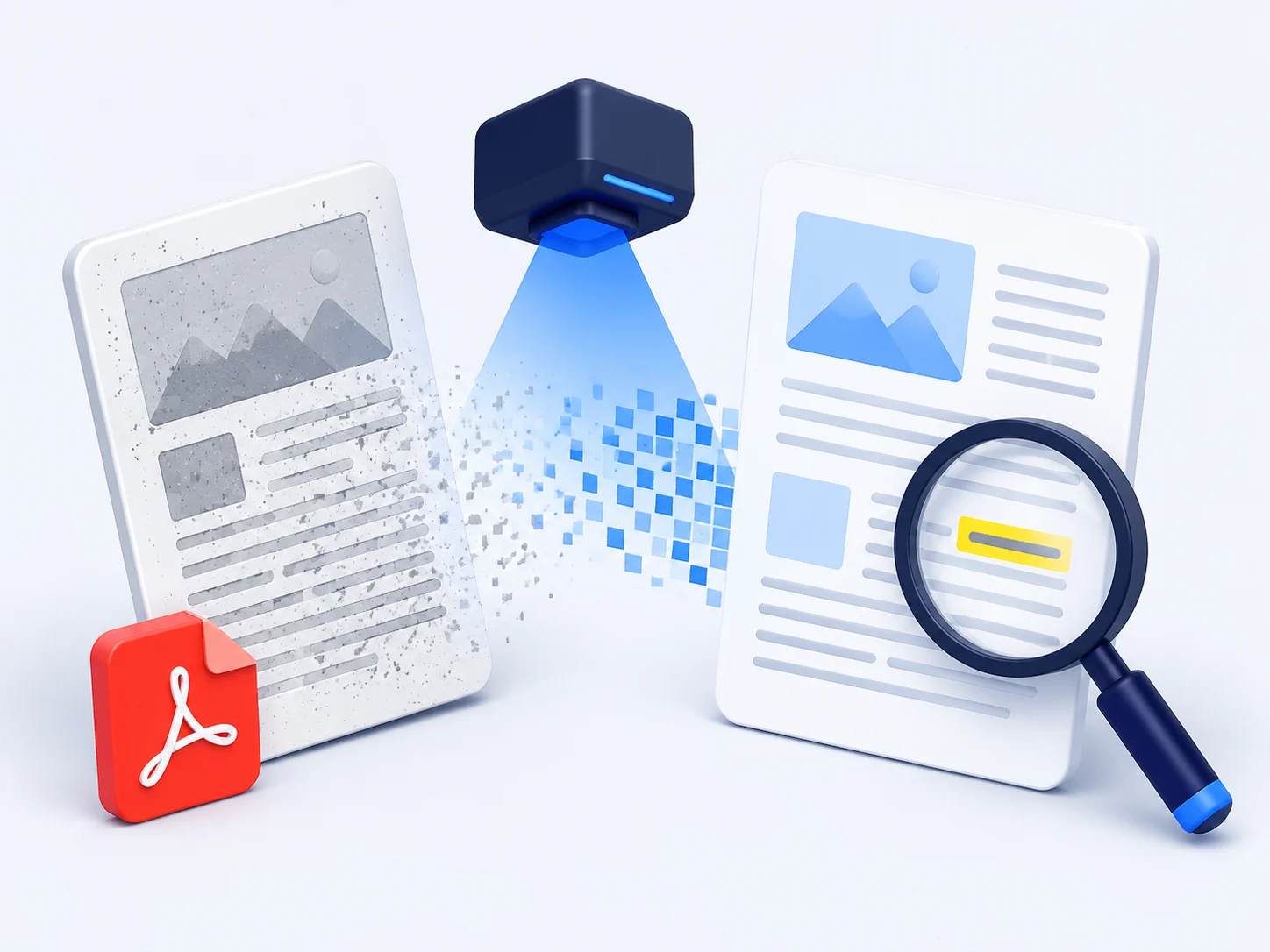
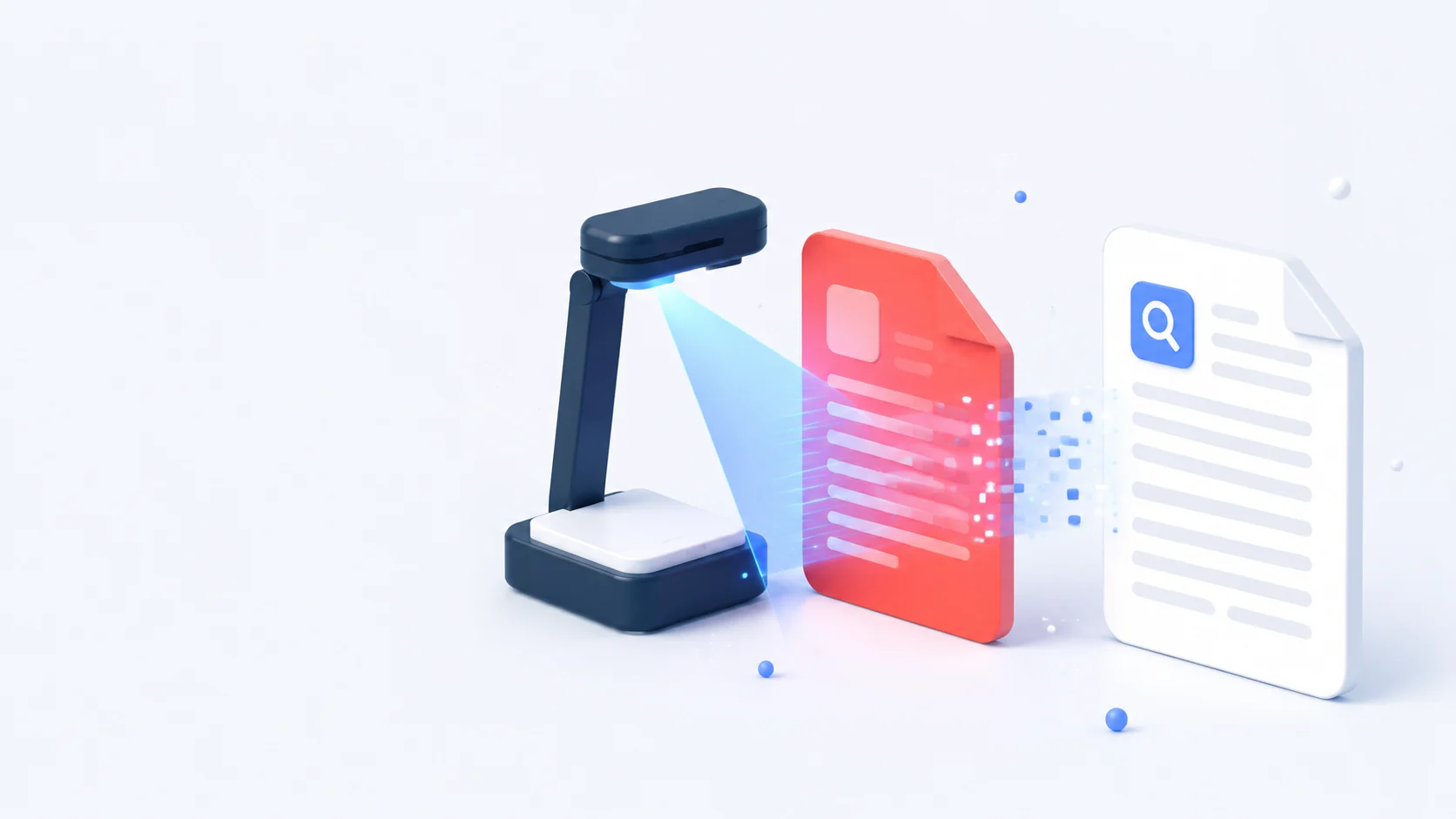
OCR stands for optical character recognition. When you OCR a PDF, the tool looks at each scanned page, identifies the letters and words in the image, and writes them back as machine-readable text behind the picture. The page still looks exactly the same, but now it is searchable and selectable — the difference between a flat photo of a document and a document you can actually work with.
How to OCR a PDF
Convert a scanned PDF to searchable text in three simple steps.
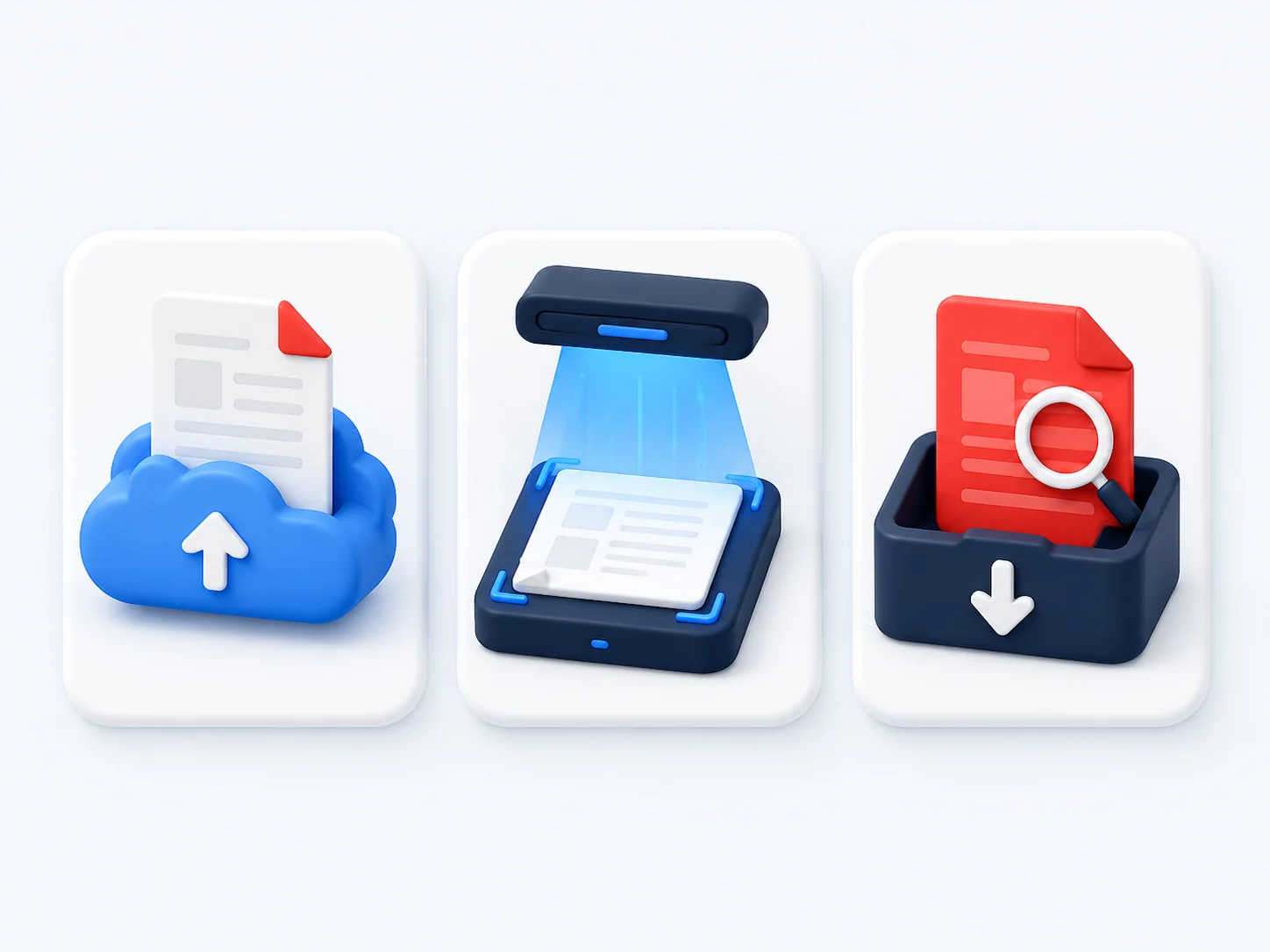
Upload your scanned PDF
Drag and drop your image or scanned file into the PDF OCR tool, or browse to select it from your device.
Run OCR
The tool reads the text in every page and builds a searchable text layer while keeping the original look.
Download a searchable PDF
Save the OCR PDF, now ready to search, select and copy in any reader.
Why Choose Our Free PDF OCR Tool
See how our online PDF OCR converter compares with typical desktop software.
Our OCR tool | Other tools | |
|---|---|---|
| OCR PDF free | Paid | |
| Works online, no install | ||
| Keeps the original page look | Varies | |
| Searchable and selectable output | Limited | |
| No watermark on output | ||
| Works on any device | Desktop only |
When You Need to OCR a PDF
Anywhere text is locked inside a scan instead of being usable.
Students and researchers
OCR scanned articles and book pages so you can search them, quote them and copy passages directly.
Business and admin
Turn scanned invoices, receipts and contracts into searchable PDFs you can find and reference fast.
Legal and records
OCR case files and old documents so every name, date and clause becomes searchable in seconds.
Digitizing archives
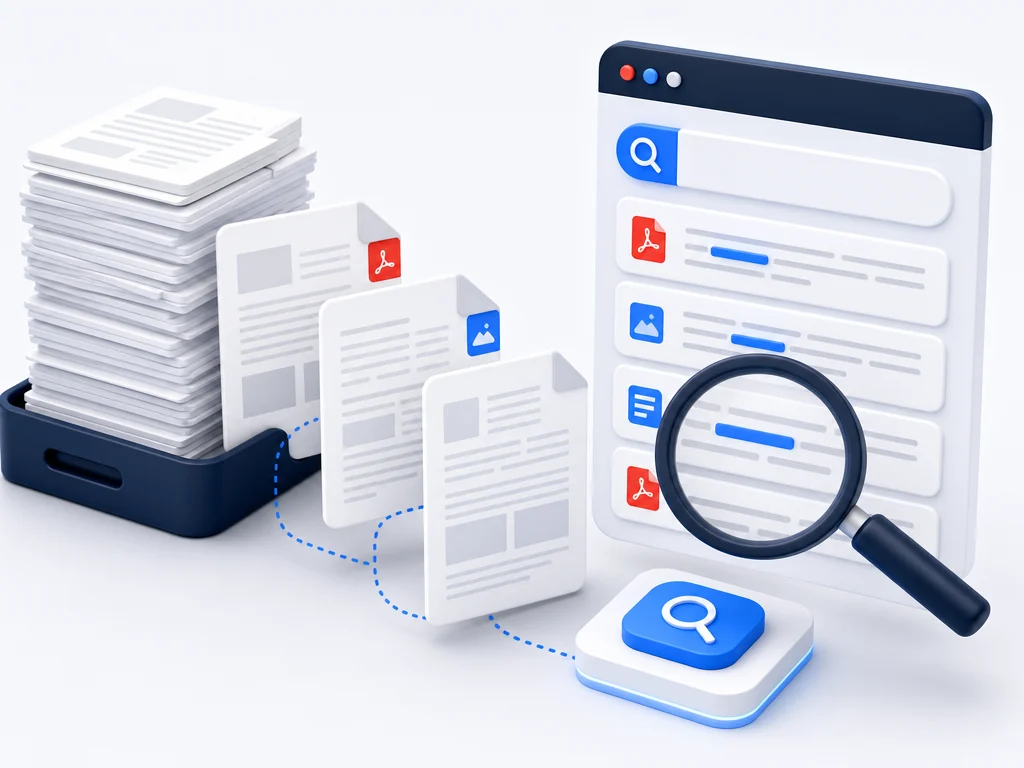
Convert stacks of paper scans into a searchable library instead of an unsearchable pile of images.
What People Say About Our PDF OCR Tool
“I had 300 pages of scanned records I could not search. After OCR I found every reference in seconds.”
Laura Bennett
Archivist
“The best free PDF OCR I have used. It read my photographed notes accurately and let me copy the text straight out.”
Kenji Sato
Research Assistant
“I OCR scanned invoices every week so they are searchable in our system. Fast, accurate and no watermark.”
Carlos Mendez
Accounts Clerk
OCR PDF — Frequently Asked Questions
OCR PDF Free — Start Now
Upload a scanned file and OCR your PDF online in seconds. Free, accurate and instantly searchable.