Every tool you need to work with PDFs in one place
All the PDF tools you need: merge, split, compress, convert, rotate, unlock, watermark and organize files in a few clicks.
Merge PDF
Combine PDFs in the order you want with an easy PDF merger.
Split PDF
Split a PDF into multiple files by page ranges.
Remove Pages
Delete one or more pages from a PDF.
Extract Pages
Pull selected pages out into a new PDF.
Organize PDF
Sort, add and delete PDF pages with draggable page cards.
JPG to PDF
Convert images into a single PDF document.
Word to PDF
Convert Word documents (.doc/.docx) to PDF.
PowerPoint to PDF
Convert PowerPoint slides (.ppt/.pptx) to PDF.
Excel to PDF
Convert Excel spreadsheets (.xls/.xlsx) to PDF.
HTML to PDF
Convert any web page into a PDF by its URL.
PDF to Word
Convert your PDF to editable Word documents with high accuracy.
PDF to JPG
Convert every PDF page into a JPG image.
PDF to Excel
Extract tables from a PDF into an Excel spreadsheet.
PDF to PDF/A
Convert a PDF to the archival PDF/A standard.
Compress PDF
Reduce PDF file size while keeping quality.
Repair PDF
Recover a damaged or corrupted PDF file.
OCR PDF
Add a searchable text layer to scanned PDFs.
Rotate PDF
Rotate all or selected pages of a PDF.
Add Page Numbers
Insert page numbers at the position you choose.
Crop PDF
Trim the margins of every PDF page.
Protect PDF
Encrypt a PDF with a password (AES-256).
Unlock PDF
Remove password protection from a PDF you own.
Every PDF Tool You Need, in One Place
pdftoword.ai puts 24 free PDF tools at your fingertips. Convert, merge, split, compress, edit, unlock and protect your documents online — no software to install and no account required. Pick a tool, upload your file and you are done in seconds.

One Toolkit Millions Rely On for Every PDF Task
From students to global teams, people use pdftoword.ai every day to get PDF work done without juggling a dozen different apps.
24
Free PDF tools in one place
120M+
Files processed and counting
190+
Countries using our tools
100%
Free, with no watermark
Everything You Can Do With Your PDFs
A complete online PDF toolkit for converting, editing, optimizing and securing your documents.
Convert to and from PDF
Turn Word, Excel, PowerPoint, JPG and HTML into PDF — or export PDFs back to editable Word, Excel and images.
Edit and organize
Merge, split, rotate, crop, add page numbers and watermarks, or reorder and remove pages in a few clicks.
Optimize and repair
Compress large PDFs, split by file size to beat upload limits, OCR scans and repair damaged files.
Secure your files
Lock a PDF with a password or unlock one you own. Files are encrypted in transit and deleted automatically.
How It Works
Get any PDF job done online in three simple steps — no account needed.
Pick a tool
Choose from 24 PDF tools above — convert, merge, compress, edit, unlock and more.
Upload your file
Drag and drop your PDF or document into the tool, or browse to select it from your device.
Download the result
Process your file in seconds and download it instantly, ready to use or share.
Why Choose pdftoword.ai
See how an all-in-one PDF toolkit compares with scattered single-purpose tools.
pdftoword.ai | Other PDF sites | |
|---|---|---|
| Every PDF tool in one place | Scattered | |
| Free to use | Paid | |
| No install or sign-up | ||
| Works on any device | Desktop only | |
| Files deleted automatically | Limited | |
| No watermark on output |
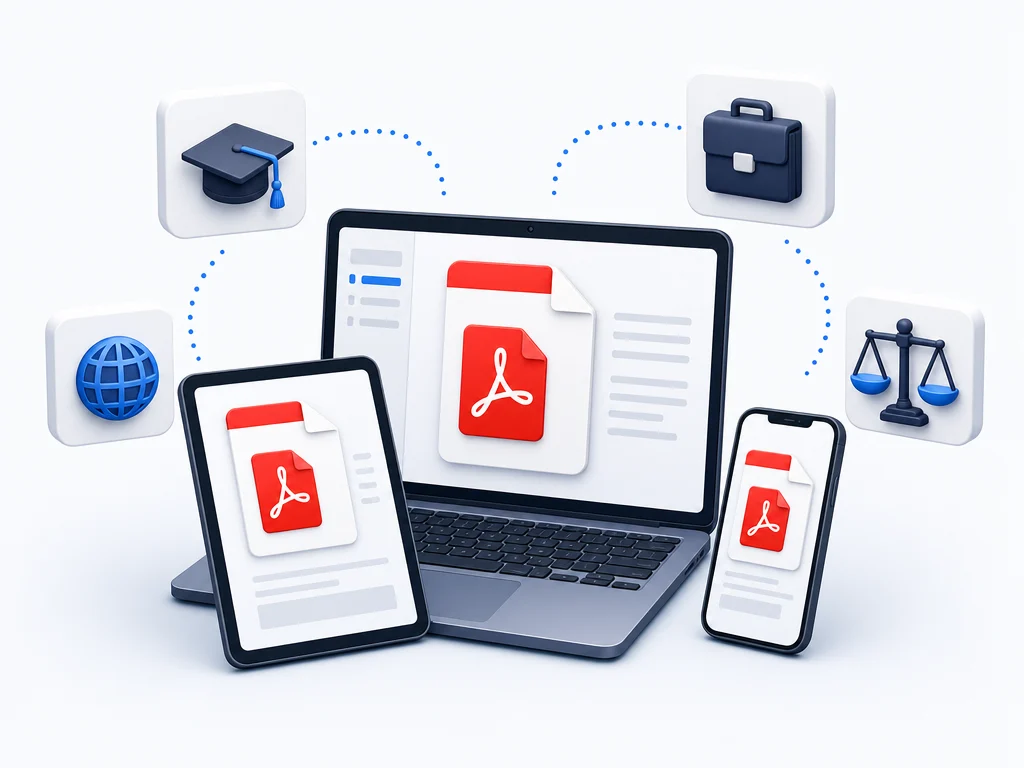
Built for the Way You Work
Whatever you need from a PDF, pdftoword.ai has a tool ready for the job.
Students and researchers
Convert PDFs to edit essays, merge readings into one file and compress assignments to fit upload limits.
Business and office
Combine reports, export invoices to Word or Excel, and protect contracts before sending them out.
Legal and HR
Split case files, add watermarks and page numbers, and lock confidential documents with a password.
Everyone, everywhere
No matter the device or browser, every tool runs online and is free for everyday PDF tasks.
What People Say About pdftoword.ai
“Finally one site for every PDF task. I merged, compressed and converted a whole project without opening a single other app.”
Sarah Mitchell
Project Manager
“Fast, free and no watermark. I export PDFs to Word and Excel almost every day and the formatting always holds up.”
David Chen
Accountant
“I used the compress and split tools to email a huge scanned file in minutes. It just works, on my phone too.”
Aisha Khan
PhD Student
All-in-One PDF Tools — Frequently Asked Questions
Start With Any PDF Tool — Free
Pick a tool, upload your file and get it done in seconds. Free, secure and ready on any device.