PDF to Excel
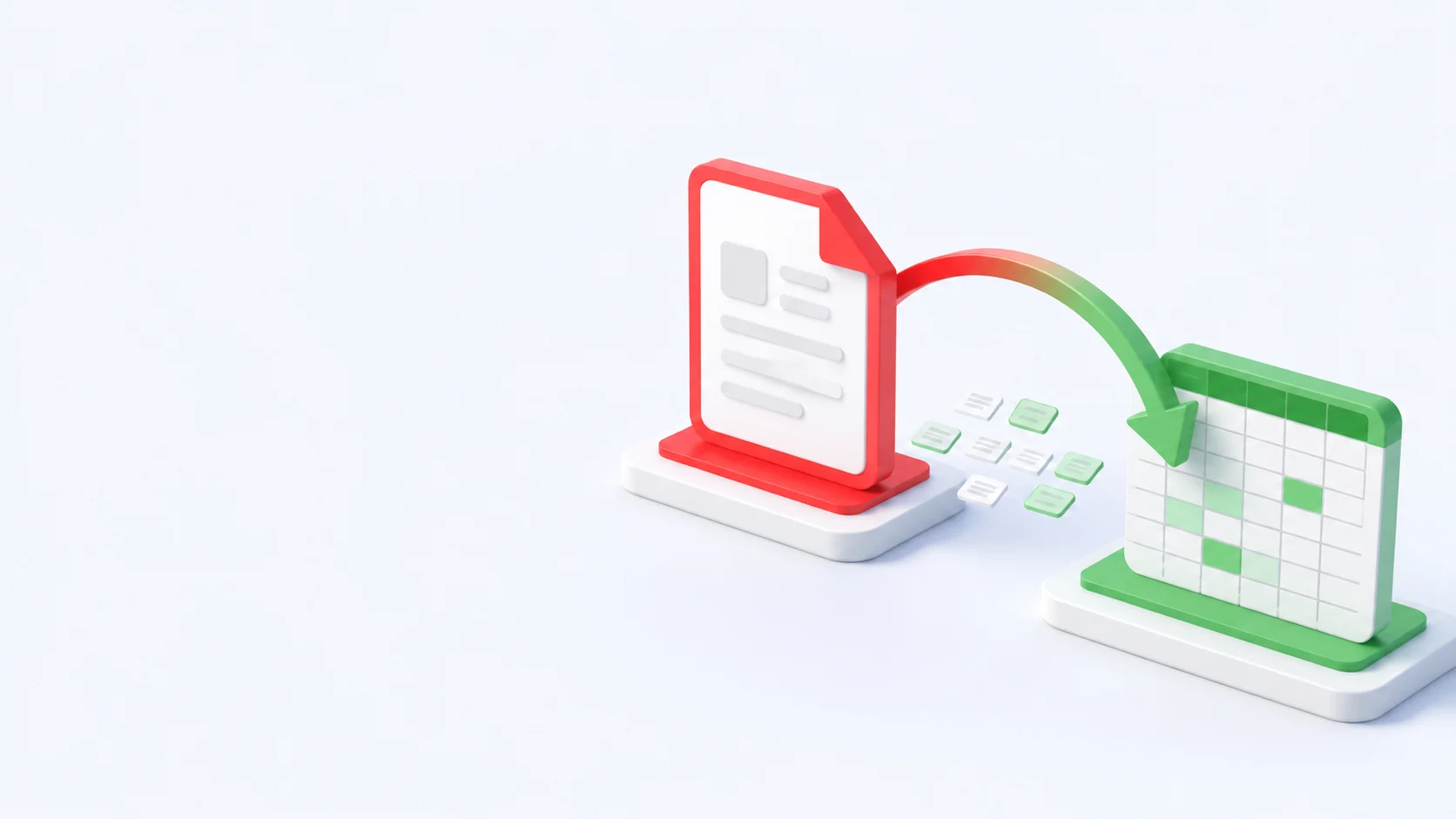
Extract tables from a PDF into an Excel spreadsheet.
Drop your files here
or drop files here
Convert PDF to Excel Online — Free, Fast & Accurate
Our free PDF to Excel converter pulls tables out of any PDF and rebuilds them as editable XLS or XLSX spreadsheets in seconds. No software to install and no email needed — just upload your file and convert PDF to Excel online, ready to sort, filter and calculate.
Convert PDF to Excel to Edit Your Data, Not Retype It
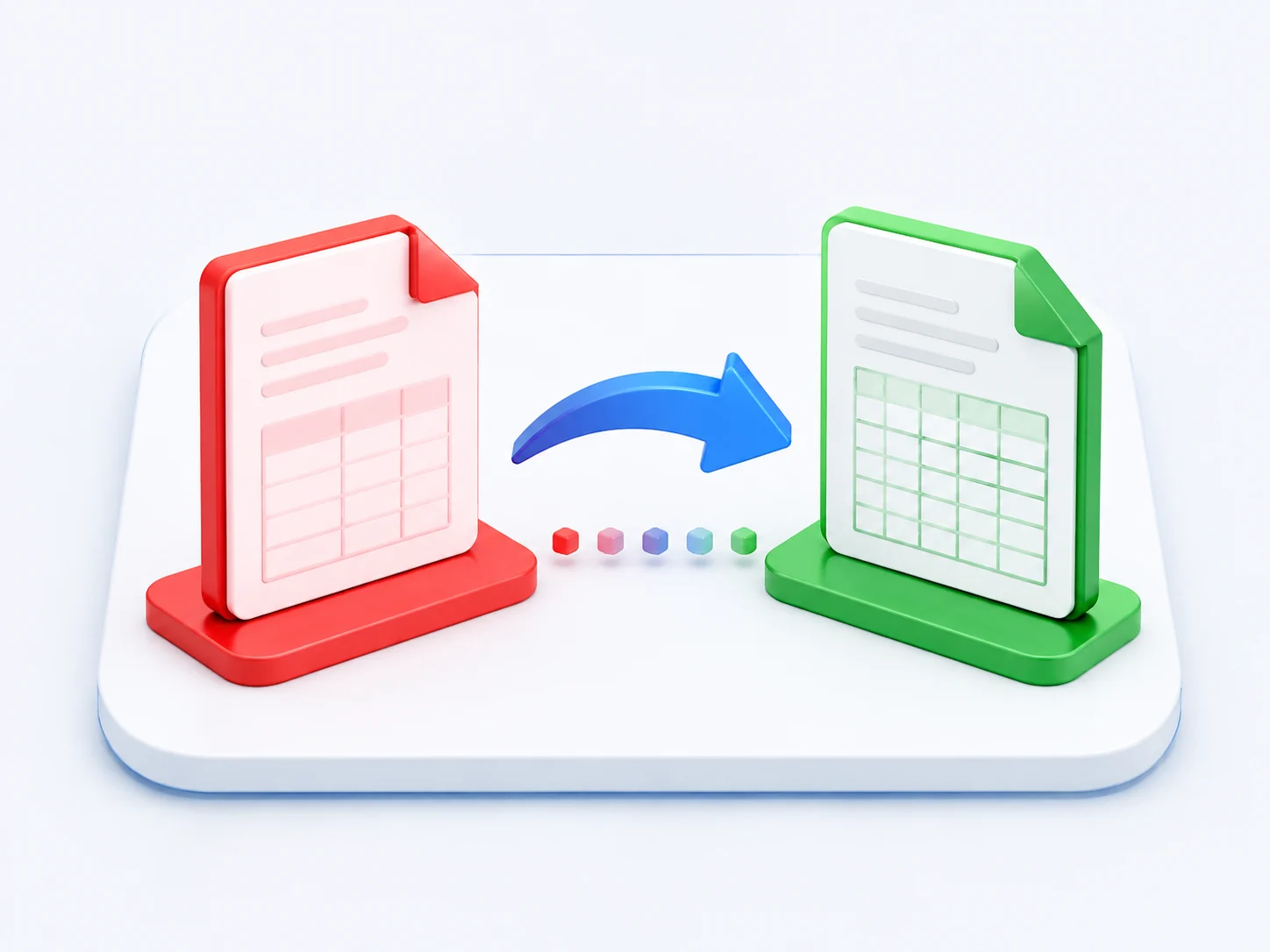
Stuck with numbers trapped in a PDF? Export PDF to Excel and every row lands in a real cell again. Our converter detects tables and rebuilds them into a spreadsheet you can edit, sort and run formulas on.
The PDF to Excel converter analysts rely on
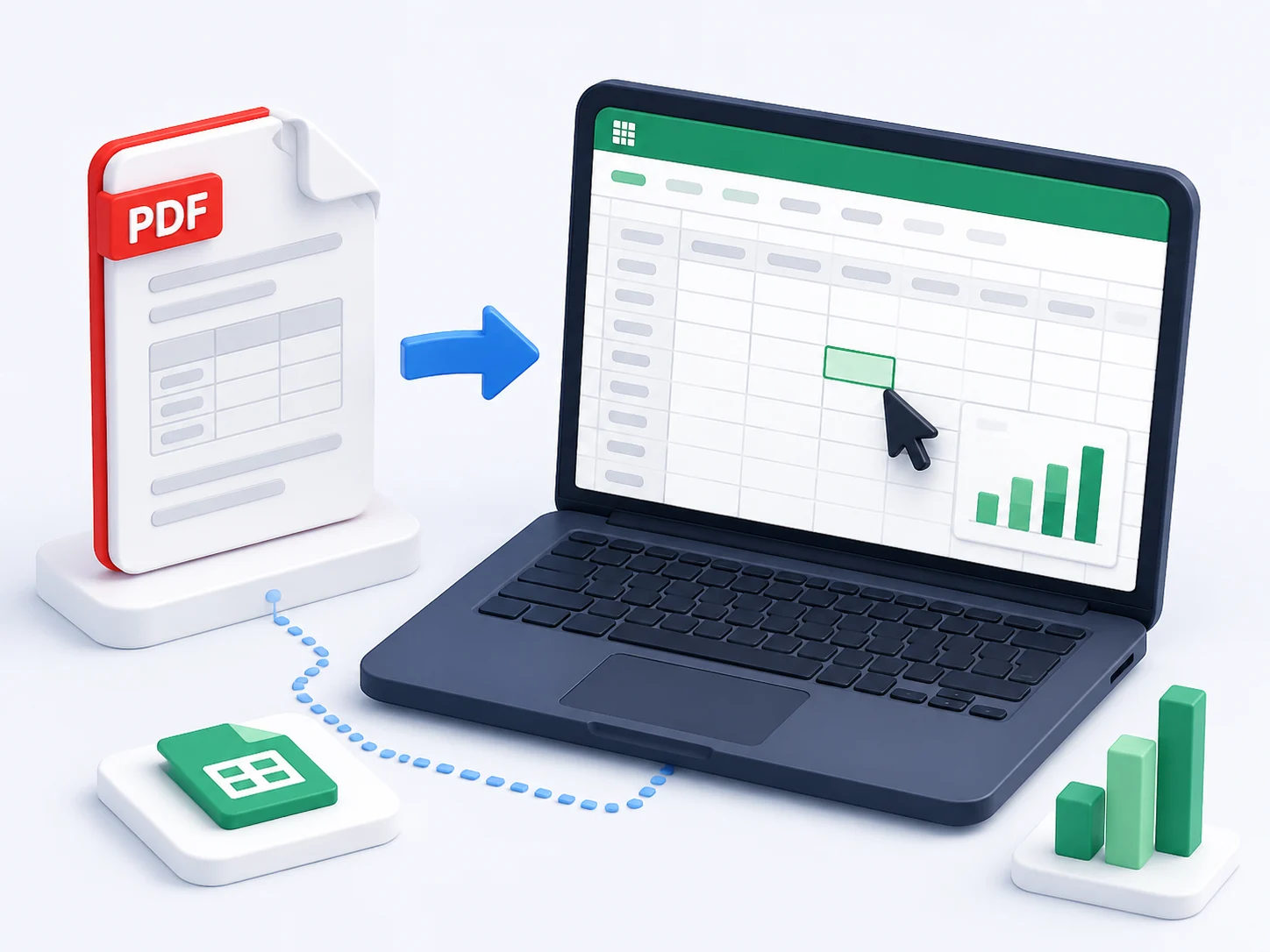
Finance teams, researchers and data analysts use our online PDF to Excel converter to turn static reports into working spreadsheets.
140M+
PDF to Excel conversions completed
4.8/5
Average rating from our users
190+
Countries using the converter
100%
Free, with no watermark
Everything you need from a PDF to Excel converter
A free online PDF to Excel converter built for accurate tables and clean data.
Free PDF to Excel converter
Convert PDF to Excel free, with no subscription, trial or hidden fees.
Online, nothing to install
An online PDF to Excel converter that runs in any browser, on any device.
Tables, detected automatically
Columns and rows are recognised and rebuilt so your data lands in the right cells.
Numbers you can use
Values stay as numbers when you convert PDF to Excel, ready for sorting and formulas.
How to Convert PDF to Excel
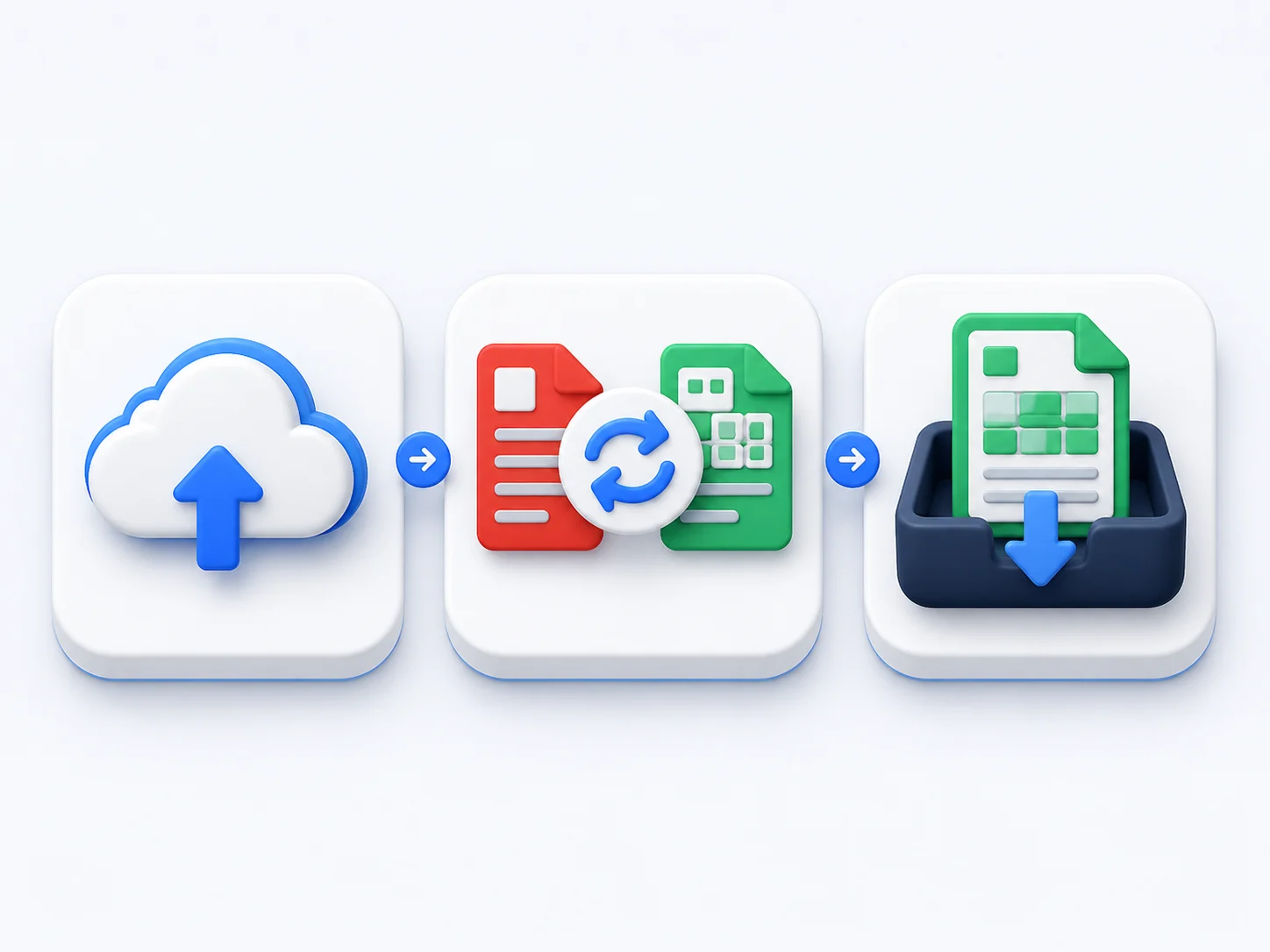
Convert PDF to Excel online in three simple steps — no account needed.
Upload your PDF
Drag and drop your PDF into the PDF to Excel converter, or browse to select a file.
Convert PDF to Excel
Click convert and the tool extracts the tables and builds an editable spreadsheet.
Download your spreadsheet
Save the XLSX file and open it in Excel, Google Sheets or Numbers.
Why Choose Our Free PDF to Excel Converter
See how our online PDF to Excel converter compares with typical desktop tools.
Our converter | Other tools | |
|---|---|---|
| Convert PDF to Excel free | Paid | |
| Works online, no install | ||
| No email or sign-up | ||
| Detects and rebuilds tables | Limited | |
| No watermark on output | ||
| Works on any device | Desktop only |
What people say about our PDF to Excel converter
“This is the best PDF to Excel converter for financial statements. It rebuilt every table and I could run formulas straight away.”
Hannah Wright
Accountant
“I export PDF to Excel almost daily for research data. No more retyping rows — the columns line up perfectly every time.”
Tom Becker
Data Analyst
“I needed to convert a PDF into Excel to update a price list. It was free, fast and the numbers stayed as real values.”
Lucia Romano
Operations Lead
PDF to Excel Converter — Frequently Asked Questions
How do I convert PDF to Excel online for free?
Upload your PDF to the converter at the top of this page, click convert, and download the spreadsheet. The whole PDF to Excel conversion is free and runs online — no account or software required.
Is this PDF to Excel converter really free?
Yes. You can convert PDF to Excel free, with no sign-up, no watermark and no limit on the number of files you convert.
Will the converter keep my rows and columns when I convert PDF to Excel?
It will. Tables are detected and rebuilt cell by cell, so rows and columns land where they belong and your data stays editable.
Can I export a scanned PDF to Excel?
Digital PDFs convert best, but scanned tables are recognised too, so you can export PDF to Excel and tidy up any rough cells afterwards.
What file format do I get when I convert PDF to Excel?
You get an editable XLSX file that opens in Microsoft Excel, Google Sheets or Apple Numbers.
Can I convert PDF to Excel on my phone?
Yes. The online PDF to Excel converter works in Android and iOS browsers, so you can convert on mobile just as easily as on a desktop.
Convert PDF to Excel Free — Start Now
Upload a PDF and convert PDF to Excel online in seconds. Free, accurate and ready to edit.
Convert PDF to Excel